
PUBG Mobile Controller Support and Compatibility
Explore the definitive answer to 'can you play pubg mobile with a controller' in 2026, revealing the game's lack of official support and the associated risks. Discover the safest methods, including emulators and clip-on triggers, to achieve a console-style experience without jeopardizing your account in PUBG Mobile's competitive battle royale.
If you're chasing that console-style feel on your phone, one question keeps coming up: can you play pubg mobile with a controller? In 2026, the honest answer is yes—but not in a true native way, and the method you choose matters a lot. PUBG Mobile is still one of the most competitive battle royale games on mobile, and Krafton's anti-cheat is way stricter than it used to be, so it’s worth knowing what actually works, what puts your account at risk, and what alternatives make more sense before you spend money or test your luck in ranked.
PUBG Mobile Controller Support Status
As of 2026, PUBG Mobile still does not have official native controller support on Android or iPhone. Krafton built the game around touchscreen controls, and even with years of player requests, there still hasn’t been any real move toward full gamepad integration. A big reason is matchmaking fairness: mobile players are expected to use the same input style, and that parity is clearly something Krafton wants to protect.
Android does give you a bit more room to experiment. On some Samsung and OnePlus phones, for example, you can pair a Bluetooth controller through system settings without much trouble, and in a few menus the D-pad might even respond. But once you get into actual gameplay, analog movement, trigger inputs, and full button mapping are unreliable unless you bring in third-party tools. That’s the key point here: your phone may recognize the controller, but PUBG Mobile itself does not properly support those inputs.
On iPhone, the situation is even more limited. Apple’s MFi ecosystem makes pairing easy, and controllers like the DualSense or Xbox Wireless Controller connect cleanly over Bluetooth. The catch is simple—PUBG Mobile does not use the MFi controller API in a way that gives you full in-game control. So yes, the controller connects. No, that doesn’t mean it works where it matters.
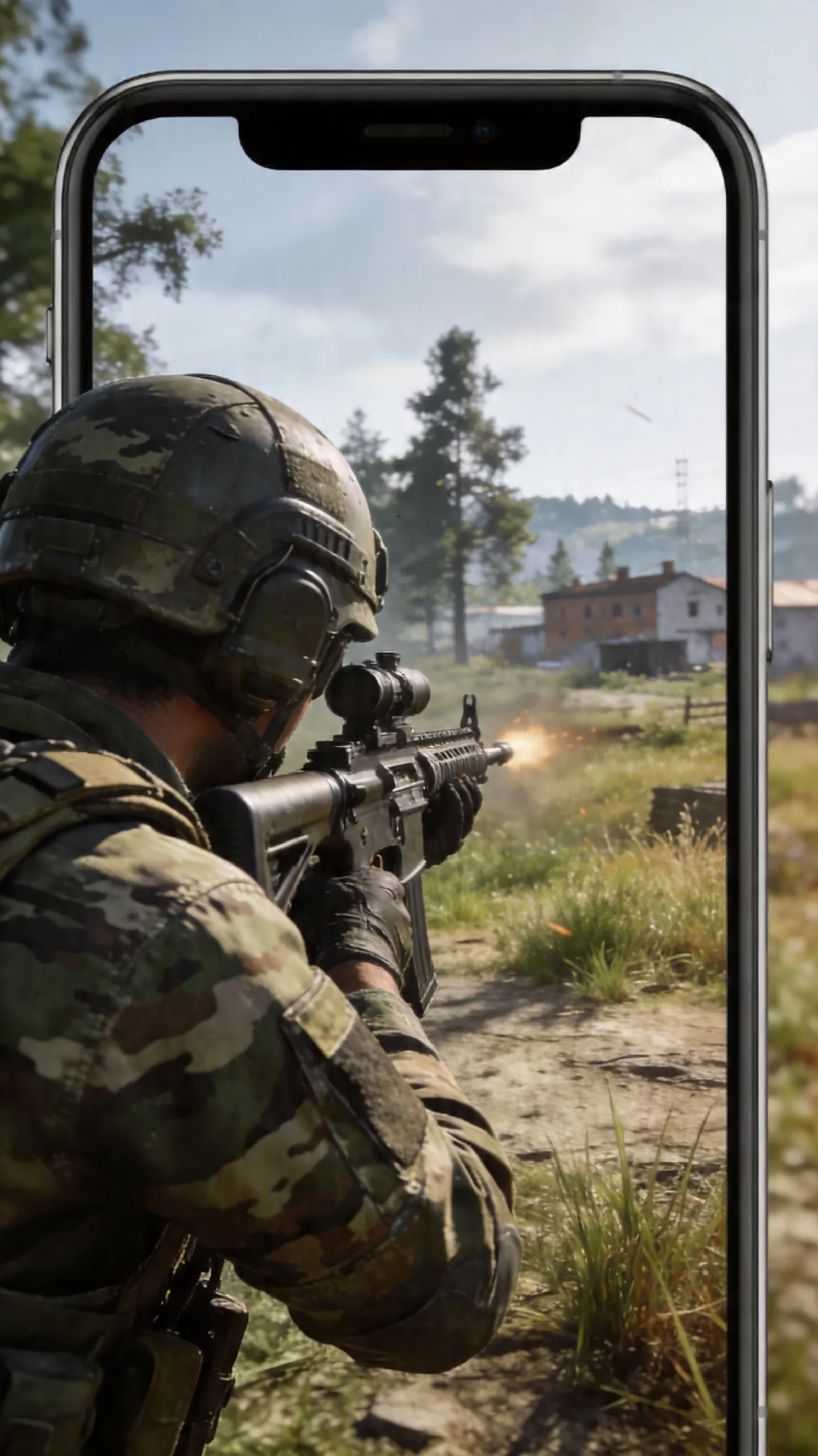
This matters more now because the 2026 anti-cheat environment is much less forgiving. Krafton isn’t just looking for obvious hacks like aimbots or wallhacks anymore. It also tracks input behavior, including timing consistency, touch coordinate patterns, and other signals that can reveal simulated or unnatural control methods. In other words, even if you’re not cheating in the traditional sense, emulated controller input can still raise flags.
Emulators are a separate case. If PUBG Mobile detects that you’re playing through a PC Android emulator, it places you into emulator-only lobbies instead of standard mobile matchmaking. That separation has been around for a while, but detection is more reliable than ever in 2026.
Can You Play PUBG Mobile With a Controller Safely
Whether can you play pubg mobile with a controller has a safe answer really depends on how you do it. Some methods are fairly low risk. Others are basically asking for trouble.
| Method | Risk Level | Notes |
|---|---|---|
| PC emulator + controller | Medium-Low | Separate emulator lobbies; bans can still happen if you use overlays or scripts |
| Clip-on hardware triggers | Low | No software injection; fully mechanical input |
| Bluetooth controller + mapping app | High | Simulated touch behavior is commonly flagged |
| Root/Shizuku-based input methods | Extreme | Very high detection chance; permanent ban risk |
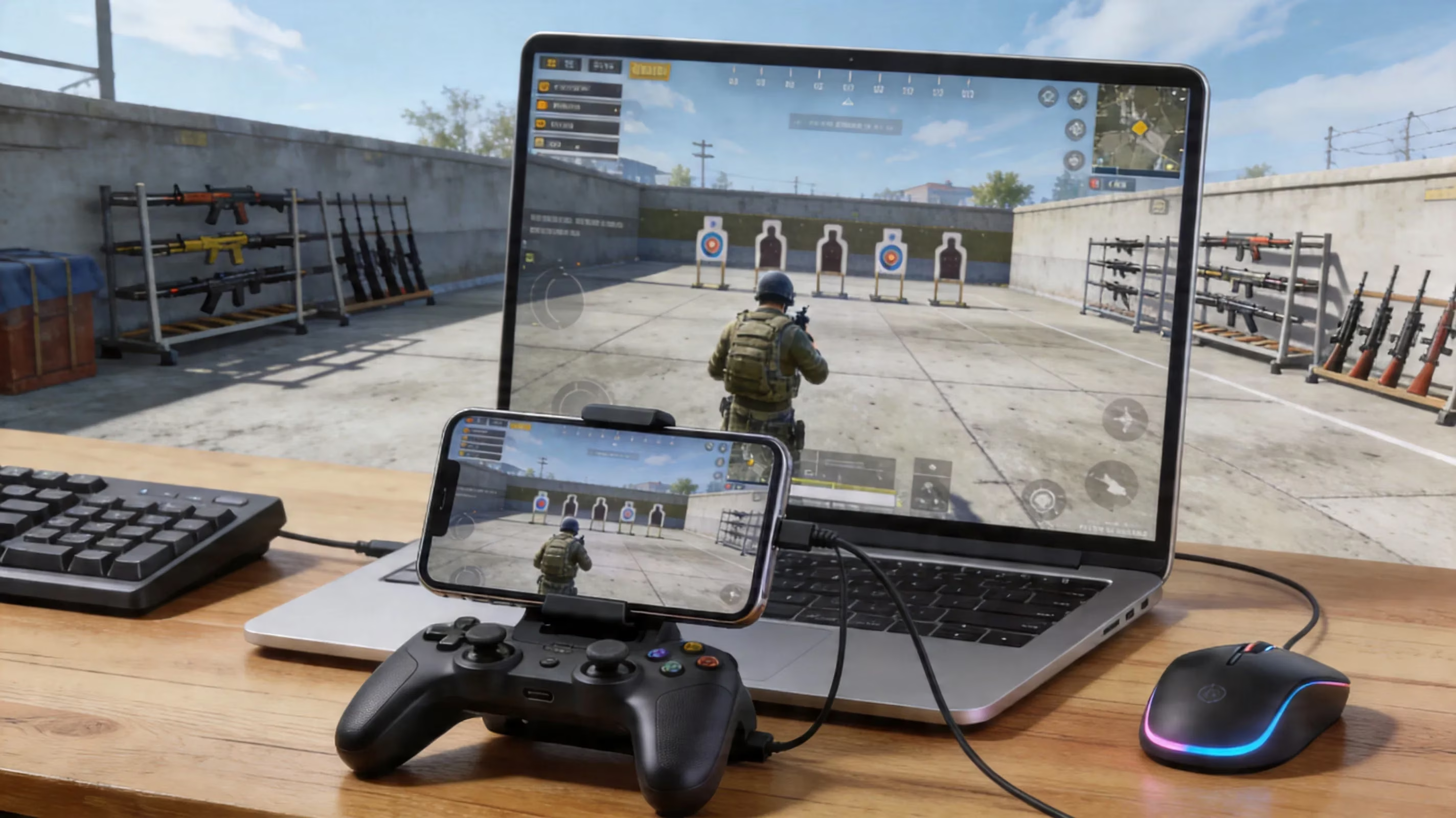
The emulator plus controller route is the most practical option if you want real gamepad-style play. Usually that means running PUBG Mobile on PC through GameLoop, then using a USB or Bluetooth controller. Since GameLoop is Tencent’s official emulator, it’s the cleanest version of this setup and is specifically tuned for PUBG Mobile. You’ll be matched into emulator lobbies, not standard mobile ones. That keeps things fairer, though it doesn’t make you immune to anti-cheat if you start adding overlays, macros, or anything sketchy.
If you want to stay on phone, the clip-on trigger route is easily the safest. Accessories like the GameSir F8 Pro physically press parts of the screen for you. There’s no software layer, no virtual touch injection, and no remapping app sitting in the background. From the game’s point of view, it still looks like normal touch input—just with a more comfortable mechanical setup. That’s why this option is so much safer for ranked.
Then there are mapping apps like Octopus, Panda Gamepad Pro, and Mantis Gamepad. These tools convert controller buttons into fake screen taps, which is exactly where the risk spikes. The problem isn’t just that they work through simulation; it’s that simulated taps often look too perfect. The spacing, timing, and repeat patterns can be unnaturally precise, and that’s the kind of thing anti-cheat systems are very good at spotting now.
PUBG Mobile Controller Setup Options
Android controller reality
On Android, your starting point is usually basic Bluetooth pairing through the phone’s Connected Devices menu. Put the controller in pairing mode, connect it in settings, and that part is usually quick. The issue starts after that: pairing alone does not give you dependable in-game controls in PUBG Mobile. Before assuming anything, it’s smart to test the controller in another app—something with confirmed controller support, or even a cloud gaming service—just to confirm the hardware works properly at the OS level.
Android’s openness is both useful and risky. It gives players more ways to experiment, but it also opens the door to third-party keymappers and input tools that can get accounts flagged. If you want to stay on mobile and keep your account safe, hardware triggers plus a strong claw layout are the better route. Software mapping is where things get messy fast.
iPhone controller reality
On iPhone, pairing is honestly the easy part. Open Settings, turn on Bluetooth, put your controller into pairing mode, then tap it from the device list. DualSense and Xbox Wireless controllers both connect smoothly this way, and iOS handles the connection well.
But a stable Bluetooth connection still doesn’t mean PUBG Mobile will actually support the controller. That’s the frustrating part. MFi certification sounds promising on paper, but it doesn’t solve the game’s lack of native controller support. And because iOS is much more locked down than Android, the third-party mapping options are either unavailable or require much more invasive workarounds. For iPhone players, clip-on triggers are a much better choice than Bluetooth gamepads if you plan to stay on mobile. If full controller support is a must-have, PC emulation is the more realistic answer.
Emulator controller setup
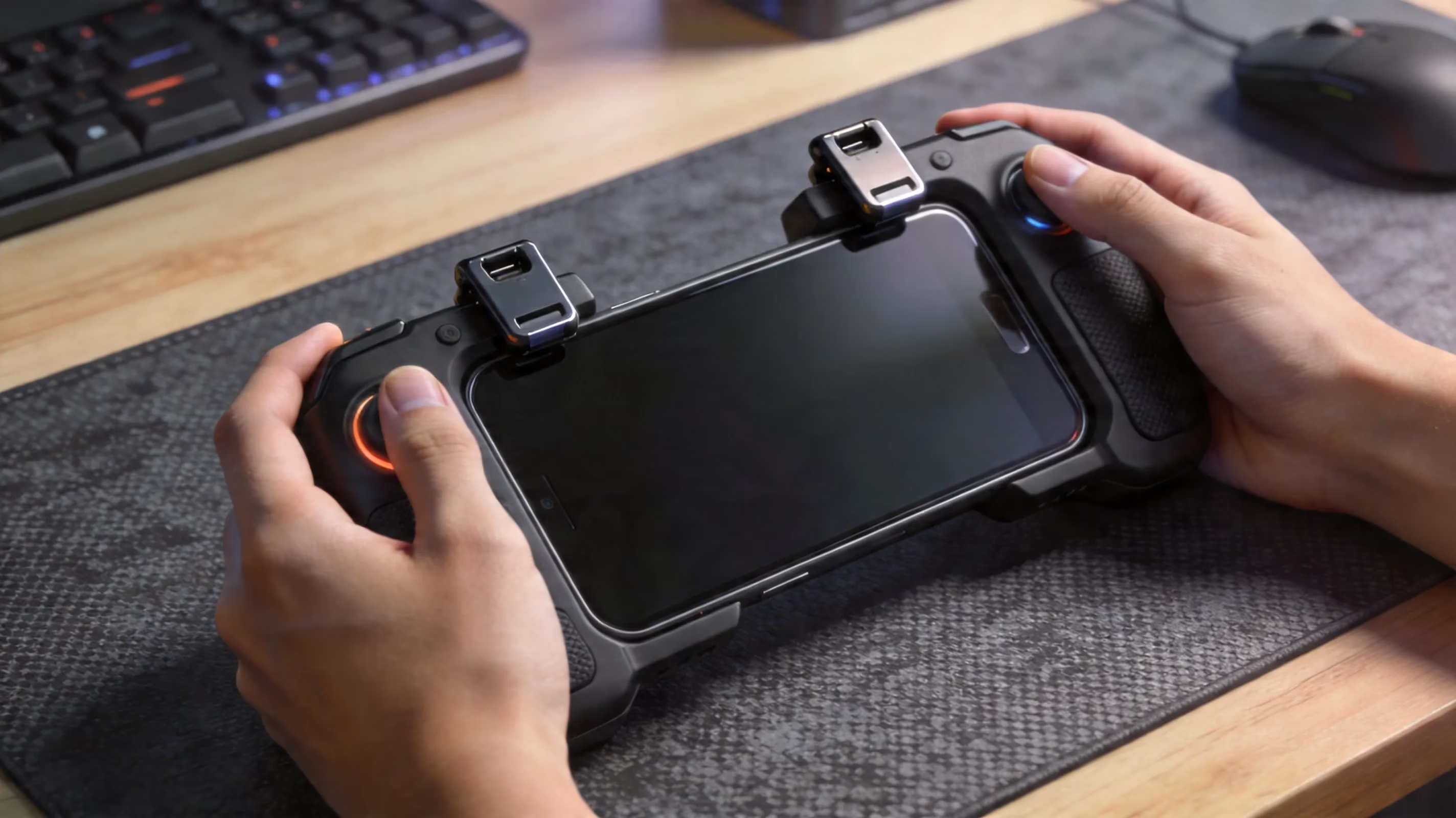
For emulator play, GameLoop is still the best option in 2026. It’s officially maintained by Tencent, it’s built with PUBG Mobile in mind, and it comes with pre-configured keybind support that fits the game much better than generic Android emulators. Setup is pretty straightforward: download GameLoop from the official site, install PUBG Mobile through its game center, then connect your controller by USB or Bluetooth.
Once the controller is connected, don’t jump straight into ranked. Go into GameLoop’s controller settings first and make sure every binding is where it should be. After that, spend real time in Training Ground—at least 15 to 20 minutes is a good baseline. Test movement, ADS, recoil control, peeking, close-range tracking, all of it. Problems with deadzones, HUD alignment, or sensitivity are much easier to catch there than in a sweaty lobby. If you have the choice, USB is usually better than Bluetooth here because the connection is more stable and latency is lower.
Best PUBG Mobile Alternatives to Full Controller
If you’re sticking with mobile, a four-finger claw layout is still one of the best upgrades you can make, and it comes with zero ban risk. It lets your thumbs focus on movement and camera control while your index fingers handle firing and ADS. There’s definitely an adjustment period, especially if you’ve been playing two-thumb for a long time, but the payoff is huge. Once the muscle memory settles in, close-range fights feel much faster and cleaner.
Another really strong setup is gyroscope aiming plus clip-on triggers. Gyro gives you much finer control for recoil management and mid-range tracking than most players expect, and in a lot of cases it feels more precise than trying to force controller sticks into a game that wasn’t built for them. Add triggers for firing and ADS, and you get a setup that stays fully inside PUBG Mobile’s intended control system. No overlays, no mapper apps, no weird software in the background.
It’s also worth spending time on your HUD layout, because a lot of players ignore this and leave free performance on the table. Moving fire buttons, scope buttons, crouch, jump, and grenade slots to fit your grip can noticeably reduce misinputs and improve reaction speed. A well-built HUD is basically free mechanical advantage, and unlike risky controller workarounds, it’s fully supported by the game.
Then there are the smaller accessories that help more than people think:
-
Phone coolers help prevent thermal throttling during long ranked sessions
-
Grip attachments or textured cases reduce hand fatigue
-
Finger sleeves make swipes smoother and cut down on friction drag
-
Stable stands or ergonomic grips can make longer sessions way more comfortable
None of these replace skill, obviously. But they do remove a lot of the physical friction that can mess you up in late-game circles.
PUBG Mobile Controller FAQ
Can you get banned
Yes, you absolutely can, and the risk depends on the method. Mapping apps that simulate touch input—like Octopus, Panda Gamepad Pro, and similar tools—are among the riskiest options in 2026. PUBG Mobile’s anti-cheat looks at how touches behave, not just whether obvious hacks are present. If your input timing and touch placement look too clean or too repetitive, that can be enough to trigger a flag.
Apps that need overlay permission are another red flag. Once a tool starts drawing over the game or creating a virtual input layer, it moves into territory anti-cheat systems actively monitor. The risk climbs even higher if the setup needs USB debugging, ADB commands, or elevated permissions. Root-based and Shizuku-based methods are the worst of the bunch. They alter system-level behavior in ways Krafton can detect pretty quickly, and the game has a very clear zero-tolerance attitude toward that kind of environment.
Best controller choice
If you’re playing through an emulator, comfort and stick quality matter most. Full-size pads like the GameSir G8 Plus or 8BitDo Ultimate 2C Wireless are strong picks, especially because they use Hall Effect joysticks. That matters more than it sounds. Hall Effect sticks use magnetic sensors instead of physical contact, which helps prevent analog drift and keeps movement more consistent over time—great for recoil control and long-range tracking.
For mobile-only players, though, clip-on triggers beat telescopic Bluetooth controllers pretty clearly. The reason is simple: no software mapping, no virtual touch simulation, and basically no ban risk. Something like the GameSir F8 Pro gives you extra input comfort while still working within the game’s normal touch framework. You lose some of the flexibility of a full controller, sure, but for ranked safety, that trade is usually worth it.
Ranked play advice
If you care about your main account, that should be the first thing guiding your decision. Main account safety comes before convenience. If you really want to test mapper apps or borderline setups, do it on a secondary account and keep it there. Even then, don’t skip Training Ground. Every new setup should be tested there first so you can check whether the inputs feel natural and whether anything is producing suspiciously perfect patterns.
It’s also smart to keep an eye on updates. PUBG Mobile patches regularly, and anti-cheat changes can turn a once-stable setup into a ban risk overnight. A mapper that seemed fine last week can suddenly become detectable after one update if it hasn’t been adjusted to match the new checks. That’s why relying on unsupported input tools is always shaky, even when they appear to work at first.
Conclusion
The safest answer to can you play pubg mobile with a controller in 2026 really comes down to two lanes. If you want full controller-style gameplay, the best route is PC emulation through GameLoop with a USB or Bluetooth controller, knowing that you’ll be placed into separate emulator lobbies. If you want to stay on mobile, clip-on triggers combined with a claw layout and gyroscope aiming are the clear low-risk option.
That’s really the split: emulator for proper gamepad feel, mobile for account safety and competitive touch play. Mapping apps and root-based methods might look tempting, but with PUBG Mobile’s stricter anti-cheat in 2026, they’re a real gamble. If you’re grinding ranked every week, it’s just not worth losing an account over a shortcut. Good luck out there, and may your final circles stay clean.